
AI tools · Video editing
Visit Website
Edit talking video by editing the words
Descript transcribes your recording so deleting a sentence removes that moment. Finish interviews, lessons, and demos without hunting a waveform.
Free plan available. No card is required to start. Paid plans add hours, credits, and watermark-free export.
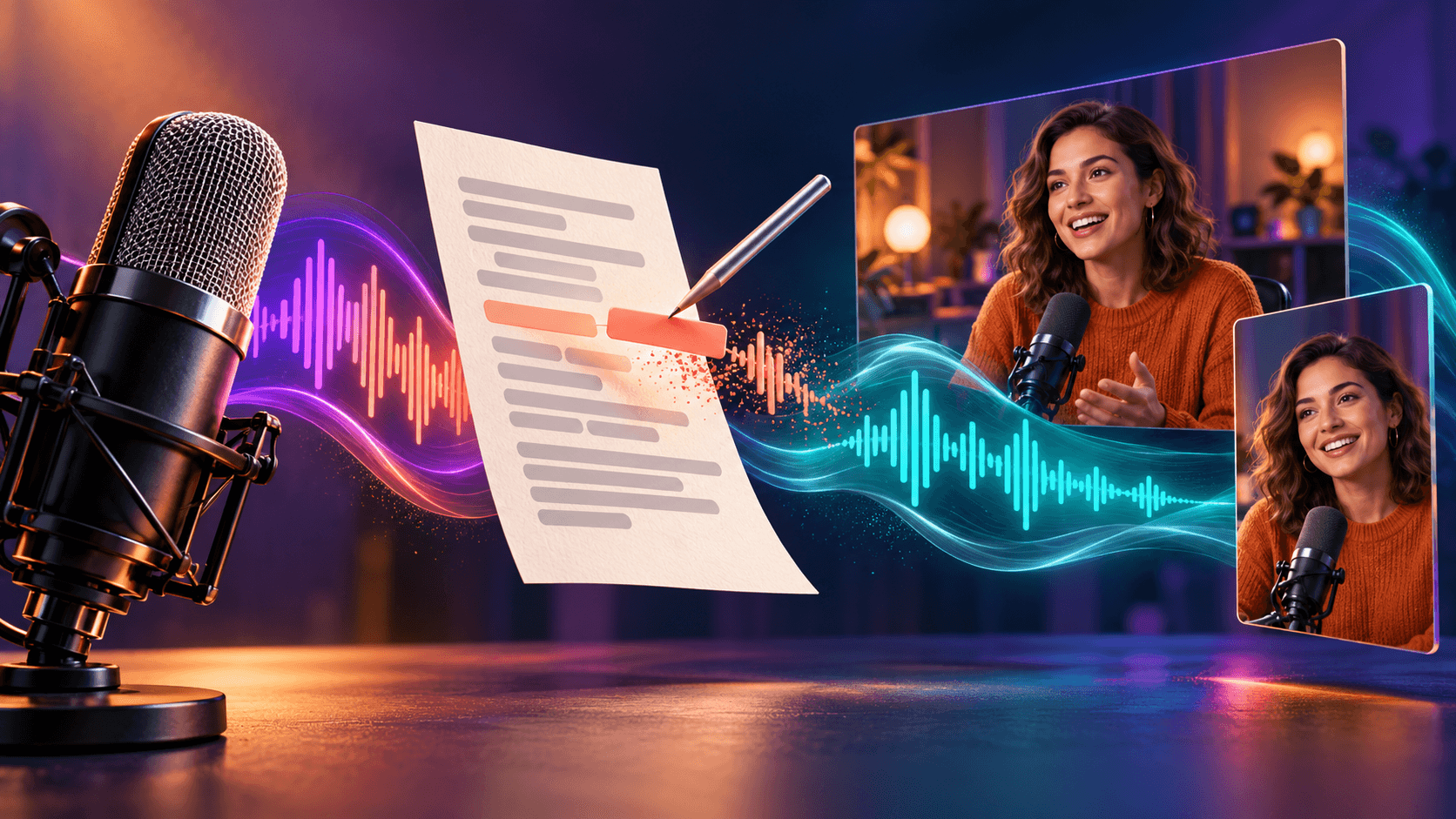
Cut the script. The video follows.
Delete a sentence in the transcript and that moment leaves the recording.
What you can do
Cuts follow the words
Deleting a sentence in the transcript is easier to reason about than finding the same pause on a waveform.
Filler removal in one pass
Highlight ums, repeated words, and long gaps, then listen. You get a tighter cut without hunting each pause by hand.
Screen recording in the same app
A demo can be recorded, transcribed, and cut without moving the file to another editor first.
Repair a flub without a full reshoot
AI Speech can regenerate a short line or speak from a voice clone of your own recording. Play it back before you keep it.
How it works
- 01
Record or import the media
Capture a take in Descript, including a screen recording, or bring in a file you already have.
- 02
Edit the transcript
Descript writes the words. Delete a sentence, shorten a gap, or strip filler, and the matching audio and video leave with it.
- 03
Clean up and export
Use Studio Sound and similar tools on the audio, then export a file or a shareable page at the resolution your plan allows.
Who it’s for
Descript suits people who edit talking video, interviews, podcasts, or screen recordings and think in sentences rather than a timeline. Educators, podcasters, and anyone recording a demo can cut from the transcript, then listen back before they export.
Choose how you edit
Start on the free plan, then add media hours and AI credits as you publish more talking video and audio.
Free
$0
USD
Record, transcribe, and edit a short project without a card.
- 1 media hour each month
- Text-based editing and a first look at AI tools
- 720p export
Paid plans remove the watermark and add more hours and credits.
Hobbyist
$24/month
USD
Or $16/month, billed annually. $192 USD charged upfront each year.
For one person who edits regularly and wants a clean 1080p export.
- 10 media hours each month
- 400 AI credits each month
- 1080p export without a watermark
- Studio Sound, filler-word removal, and other AI tools
Creator
$35/month
USD
Or $24/month, billed annually. $288 USD charged upfront each year.
For people who publish often and want 4K export plus more AI room.
- 30 media hours each month
- 800 AI credits each month
- 4K export without a watermark
- Stock media library and credit top-ups
Hours, credits, and larger teams
Media hours count imported or recorded time. AI credits pay for tools such as Studio Sound, Underlord, and generated speech.
- Business is $65/month, or $50/month billed annually, with 40 media hours, 1,500 AI credits, and team brand tools.
- Enterprise pricing is custom. Descript also lists special rates for students, educators, and nonprofits through a form on the pricing page.
- You can buy extra media hours and AI credits on paid plans. Confirm current top-up prices on Descript.
Prices and included hours may change. Confirm currency, seats, and billing on Descript before you buy.
Student, educator, or nonprofit.
Descript lists special rates if you qualify. Fill out the form on its pricing page and confirm current eligibility.
Questions
What is Descript?
Descript is an editor for talking video and audio. It transcribes the recording, then lets you cut, rearrange, and clean the piece from the text. The timeline is still there if you need it. Most of the work happens in the script.
How does transcript editing work?
Descript turns speech into text. When you delete a word, the matching moment is removed from the video. Play the cut, then keep trimming from the transcript until the piece is tight enough to export.
Can it clean the audio too?
Yes. Studio Sound and related tools can reduce room noise so a desk recording sounds closer to a quiet studio. Those tools spend AI credits. Listen after you apply them, then export.
Is Descript free?
Yes. The free plan includes recording, transcription, and editing with one media hour each month and 720p export. You do not need a card to start. Watermark-free 1080p and 4K export, more hours, and more AI credits are on paid plans.
What are media hours and AI credits?
Media hours count imported or recorded time, whether you transcribe it or not. AI credits pay for tools such as Studio Sound, Underlord, green screen, eye contact, and generated speech. Paid plans refresh both each month. Confirm current top-up prices on Descript.
What if I flub a sentence?
You can cut the take from the transcript, or use AI Speech to regenerate a short line so it matches the surrounding tone. Custom voice clones are available on paid plans. Listen to the result before you keep it.
Is there a student discount?
Descript lists special rates for students, educators, and nonprofits through a form on its pricing page. Eligibility and the size of the reduction are set by Descript. Do not assume a public coupon will stack with that form.
Finish the cut from the script
Import a talking take, edit the words, and export when the piece sounds like you meant it.
Free plan available. Paid plans add hours, credits, and watermark-free export.